- Alex Finn@AlexFinn
This has sped up my AI coding 20x (prompt at the end): Before building out a big feature, ask ChatGPT 6 Astra to ask you as many questions it needs to fully plan out the idea This is even better than plan mode. plan mode is typically limited to 3 or 4 questions. This is like a super plan mode and makes Astra SO good This has asked me 100+ questions before. Seems like a lot but actually saves you time in the long run The plan it builds will be so detailed and complete that it can basically run autonomously and build the entire thing But here's where you take things to the next level: You also have it take your entire plan and create detailed Linear issues for it It should create 20+ tasks in Linear Then it's as easy as saying "ok work on the next thing" over and over until the feature is done Highly recommend downloading and using Linear if you haven't yet. Amazing project management tool w/ excellent free tier Will basically capture all these details and put your agent on autopilot. It's a 2nd brain. Use this prompt: "I want to build out *describe your feature in detail*. Ask as many questions you need of my to fully understand every detail of what I want to build out. Then take everything you learn, and create super focused and detailed Linear issues. Then begin work" Getting so much more high quality code out with this workflow. You're welcome.
Agents & AIHow People Use ItRecommends Linear as the second brain where agents create and work through detailed issues. - Emil Kowalski@emilkowalski
A small quality of life update: When you were using the Linear Agent and a toast was render, it covered the chat. Now the toast renders next to it and changes position when the chat is open/closed.
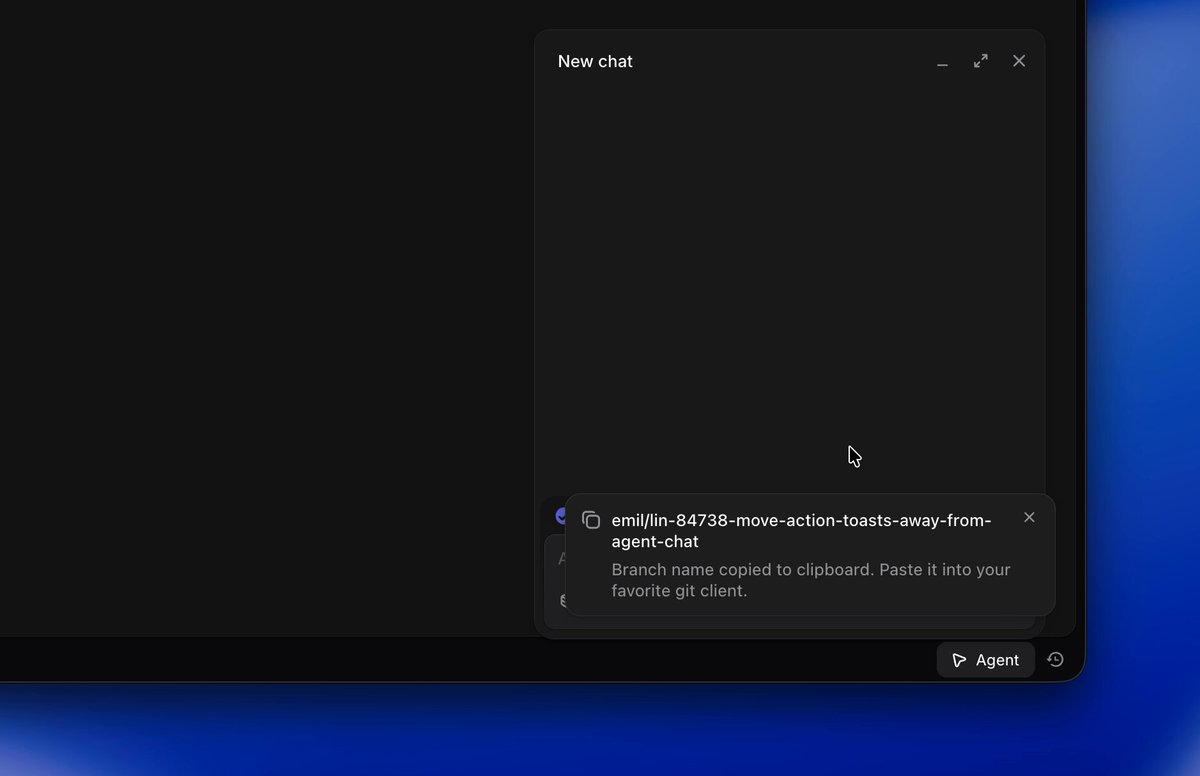 LaunchesBugs & FrictionShips a fix so toasts no longer cover the Linear Agent chat.
 - Wilson Wilson@euboid
For the first time, I think issue tracking is dying. At least for small teams. After five years, I shut down our Linear workspace. Every issue I'd file now goes one of two places. If it's urgent enough to deserve tracking, it's urgent enough to hand to an agent right now. It comes back as a PR, not some card rotting in a backlog. If it needs more product thinking than that, it belongs on our feedback board. The issue tracker felt like the middle ground between them. I don't think that middle ground exists anymore. These days my agent workspace is the tracker. What's running is what's being worked on. Nothing else needs a status. This gets harder with a bigger team, I know. But these days, I'm seeing similar across my friends.
Agents & AIHow People Use ItShut down their Linear workspace, believing agents make issue tracking obsolete for small teams. - shre@theshre
Last night at Granola SF Cristina Cordova and Michael Altom, COOs of @linear and @meetgranola, on growing a beloved product into a rapidly scaling company.
 Company & TeamHighlights Linear COO Cristina Cordova speaking on scaling a beloved product.
 - Dima Zaytsev@dizaytsev
I guess @linear Diffs could work well with a wider screen
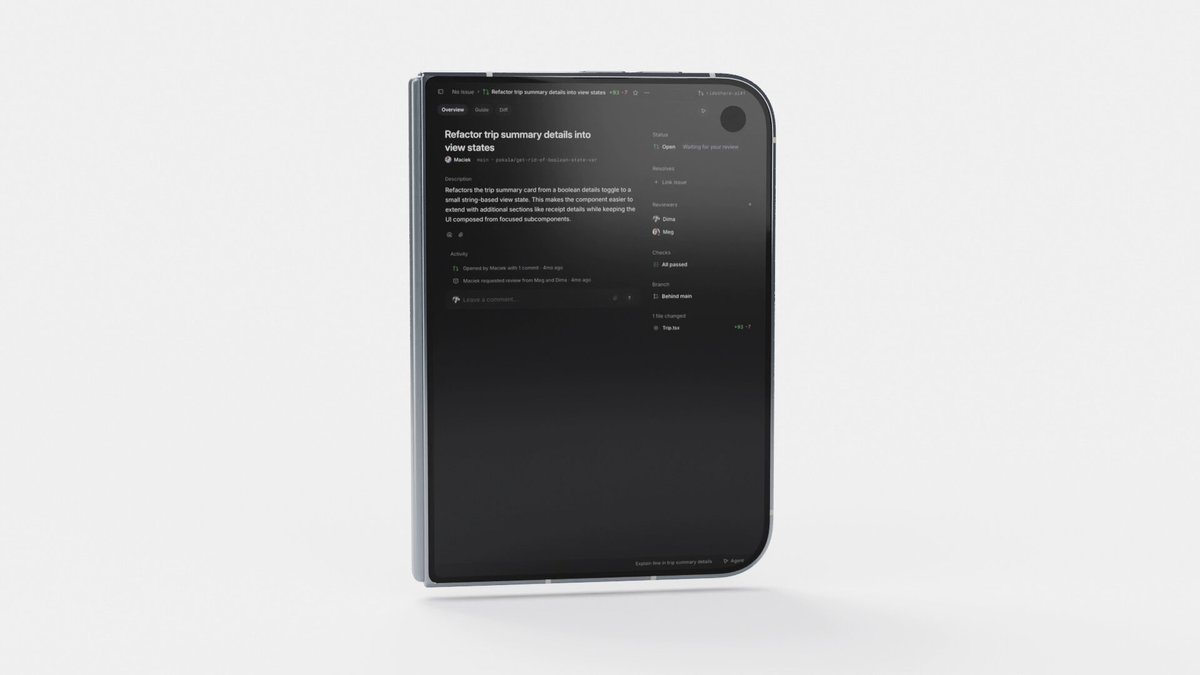 Design & CraftFeature RequestsSuggests Linear Diffs would work better with a wider screen layout.
 - Karri Saarinen@karrisaarinen
protip t.co/rVNqvn81GF
@_drankou: TIL that replacing https://t.co/fvb7HLQ8ia with https://t.co/vrnaef8RW5 on PR automatically opens the @linear diff viewer. So I prepared a @raycast script and set up the ✦R shortcut to quickly open GitHub PRs in Linear Guide...
How People Use ItDesign & CraftShares a trick to open GitHub PRs directly in Linear's diff viewer. - Alex Drankou@_drankou
TIL that replacing t.co/fvb7HLQ8ia with t.co/vrnaef8RW5 on PR automatically opens the @linear diff viewer. So I prepared a @raycast script and set up the ✦R shortcut to quickly open GitHub PRs in Linear Guide...
How People Use ItDesign & CraftFound a URL trick to open GitHub PRs in Linear's diff viewer and scripted a shortcut. - Adrien Griveau@Griveau
Ableton live session or front-end engineer bragging about his new rendering optimization?
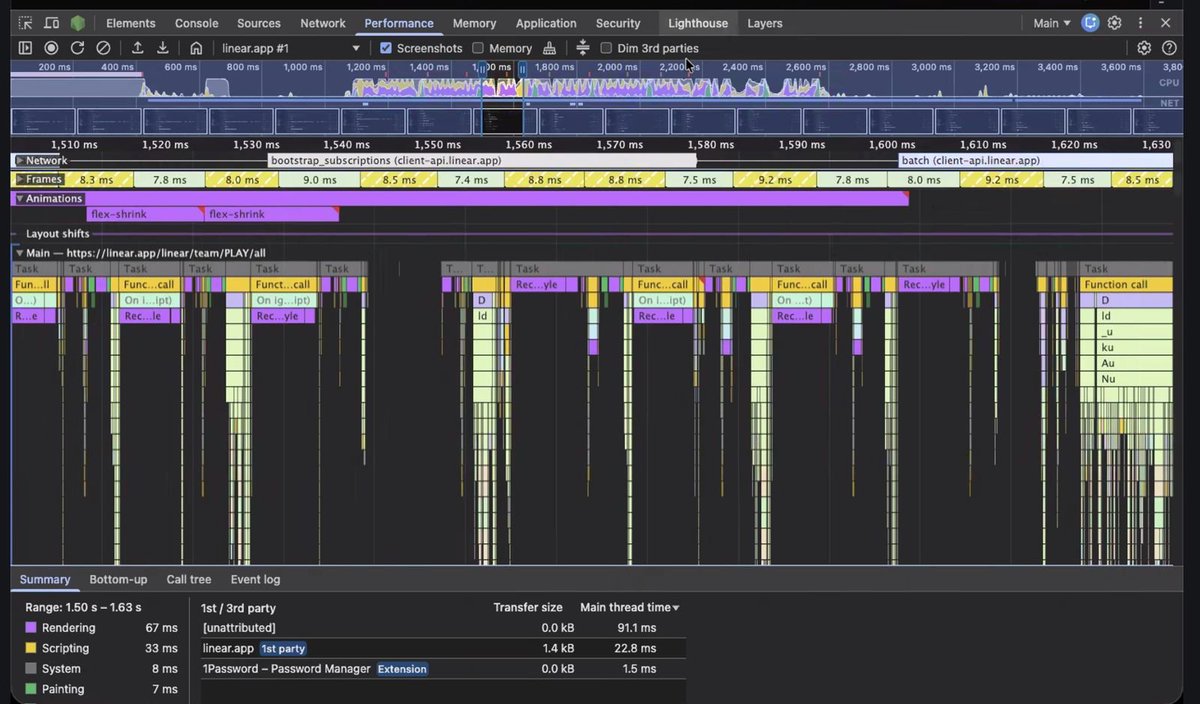 Design & CraftJokes about frontend engineers showing off rendering optimizations.
 - Tuomas Artman@artman
@_drankou: TIL that replacing https://t.co/fvb7HLQ8ia with https://t.co/vrnaef8RW5 on PR automatically opens the @linear diff viewer. So I prepared a @raycast script and set up the ✦R shortcut to quickly open GitHub PRs in Linear Guide...
How People Use ItDesign & CraftEndorses a shortcut trick for opening GitHub PRs in Linear's diff viewer. - Pranay Srinivasan@utekkare
for those interested in fully autonomous agentic loops, go --> I’m building the v2 of HWG Web App and I needed to finish a sprint to go live this week. Here's the loop happening: Codex and Cursor plan the sprint with me --> Cursor outlined the Linear tickets (engineering project tasks) --> I approved the sprint --> Cursor writes Linear tickets --> Codex verifies ---> Codex kicks off sprint --> Codex instructs Devin (an AI developer) to write and ship PRs in a dedicated Slack channel for the rebuild, by Linear ticket, with detailed instructions --> Ricia, our Openclaw, monitors the thread for Cursor --> Devin evaluates and writes code and submits branches --> Codex checks code against the sprint and ticket and waits for Cursor --> Cursor monitors the slack channel and PRs --> reviews them adversarially, writes comments on the Linear ticket if issues, comments and merges PR if clean --> Codex monitors the PRs and Linear for merges and issues --> if there are issues, Codex monitors Linear and PR --> instructs Devin --> Devin ships updates and comments on Linear / PRs --> Cursor monitors slack threads thru Ricia.. If merged, Codex reviews PR again, marks Linear ticket and moves to next ticket. We’re almost 50% thru a week sprint. We’ll be done early tomorrow. At a subscription budget of $600 / month ($200 --> Cursor, $200 --> Devin, $200 --> Codex) + usage. ZERO Humans in the loop.
Agents & AIHow People Use ItRuns a fully autonomous agent sprint loop with Linear tickets as the coordination layer. - Shai Mishali 🇮🇱@freak4pc
im ready, thx @linear #AppleEvent #keynote #iFOld
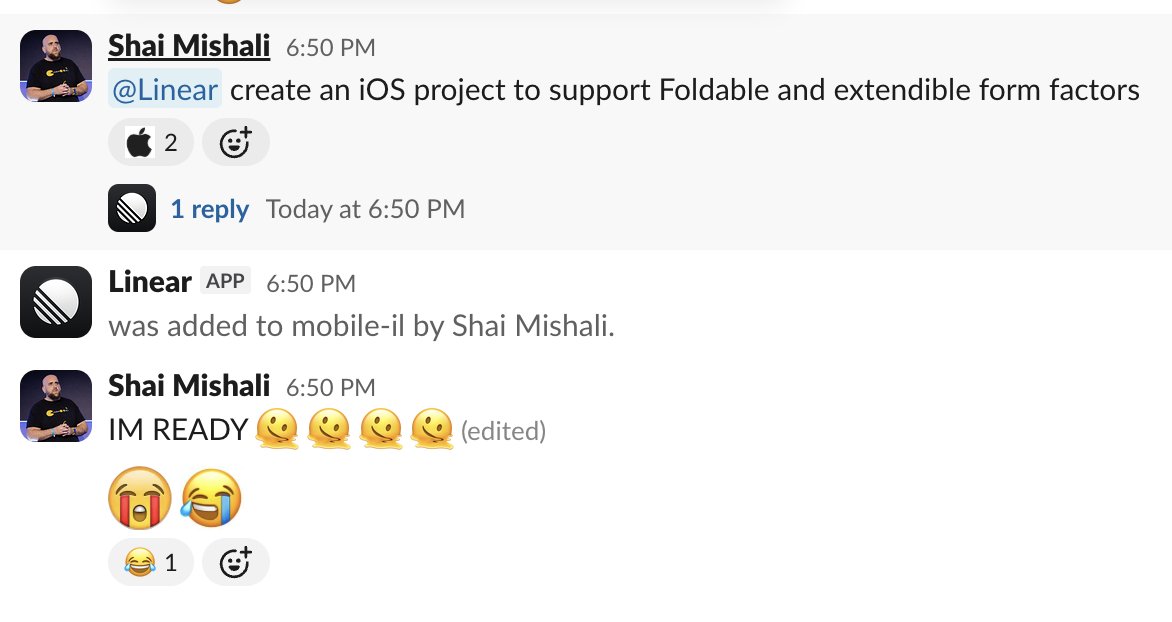 PraiseJokes about being ready with Linear during the Apple event.
 - Quinn@zenithquinn
From someone tweeting a suggestion to being shipped in less than a day ⚡ t.co/9yd0nAl1YX
@emilkowalski: A small quality of life update: When you were using the Linear Agent and a toast was render, it covered the chat. Now the toast renders next to it and changes position when the chat is open/closed. https://t.co/HGOYxJMf8K
LaunchesCompany & TeamHighlights that a user suggestion shipped in Linear in under a day. - Maciek Pekala@penzington
Why not both? t.co/JL5LgvRL0A t.co/nEF93gQwU2
@Griveau: Ableton live session or front-end engineer bragging about his new rendering optimization? https://t.co/dBqLyU9jfT
Design & CraftEnjoys the craft of frontend rendering optimization work at Linear.


